Assigned Forms
|
The Personal Planner > Lists tab > Assigned Forms sub-tab allows you to view and manage forms assigned to you. To manage assigned forms:
Note: If you have access, you can edit the User and Provider fields to view forms assigned to a different provider.  Add Forms Add Forms
Edit Forms
Edit Form Information
View Form Events
Re-assign Forms
Select Patients
Print the List of Forms
|

 ) icon to display your list of assigned forms.
 ) icon to display the Select Patient window.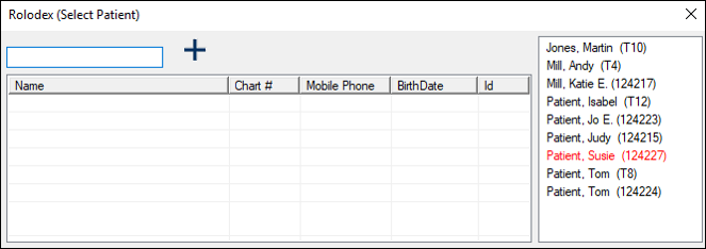
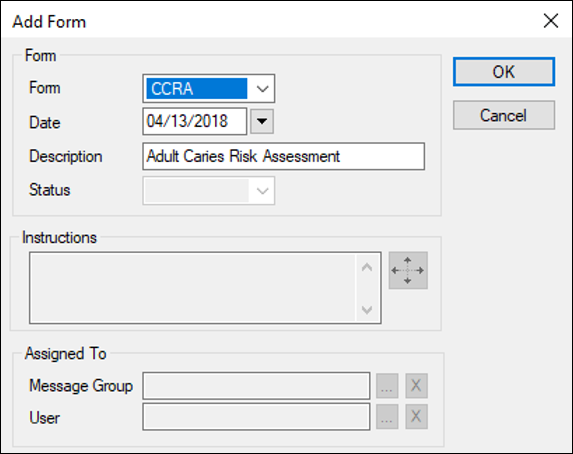
 ) icon to display the Forms window.
 ) icon.
